1
Installing CurseForge
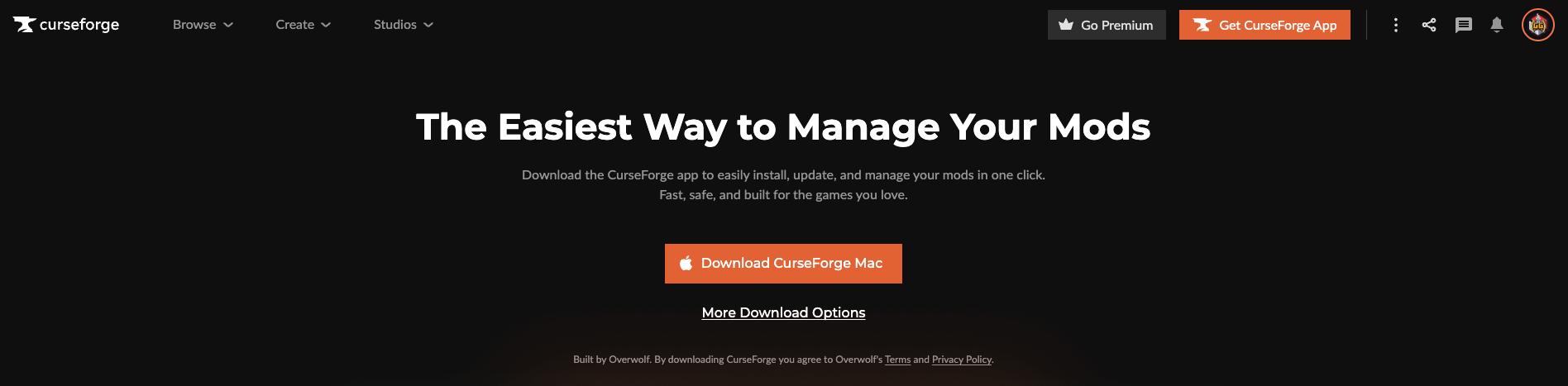
Before you can start your journey, you'll need the CurseForge Launcher.
- Download: Go to the official CurseForge Download Page.
- OS Selection: Choose the version that matches your computer (Windows, macOS, or Linux).
- Install: Run the installer and follow the on-screen instructions to complete the setup.
2
Setup CurseForge
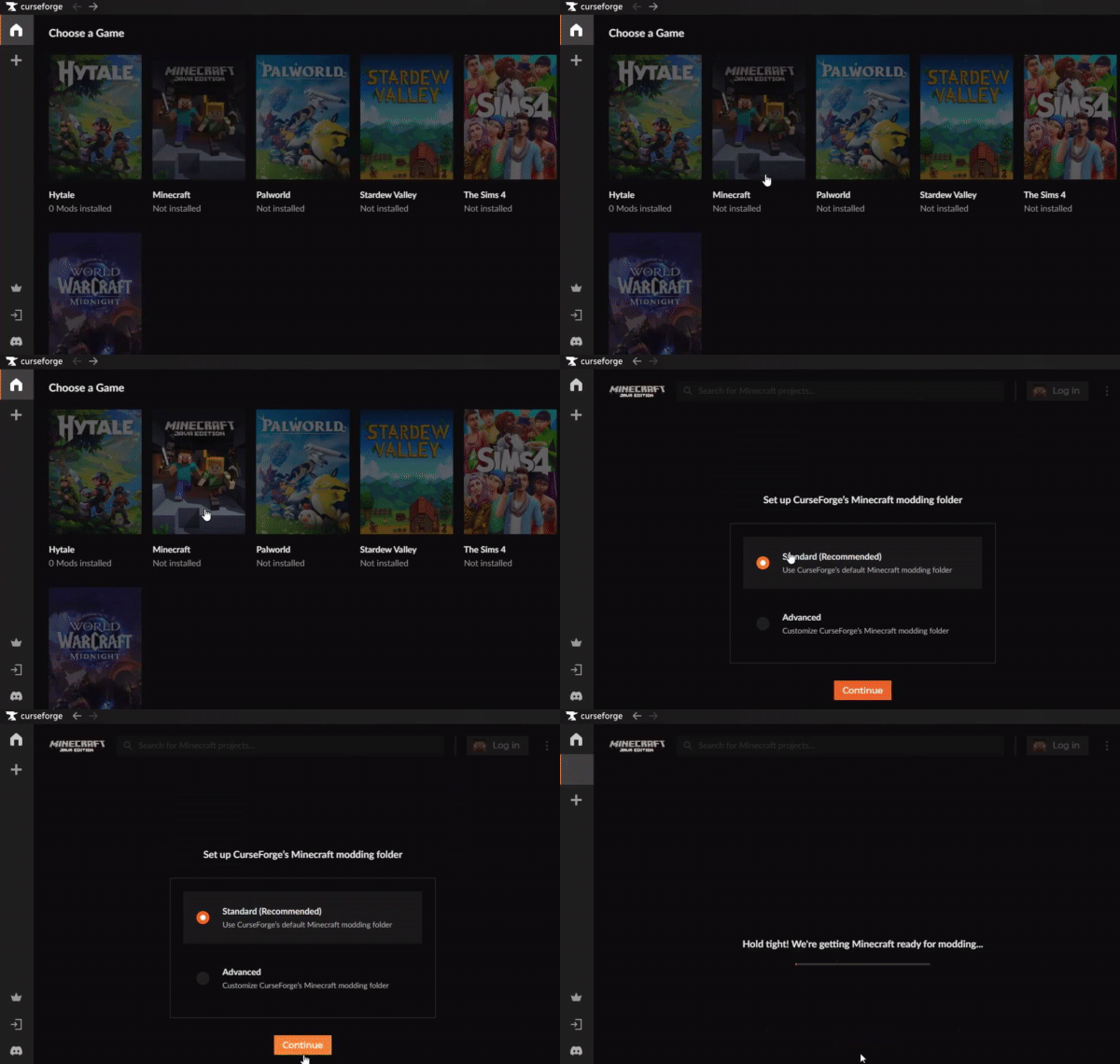
Select Minecraft from the list of games and then click continue.
3
Login with your Microsoft Account
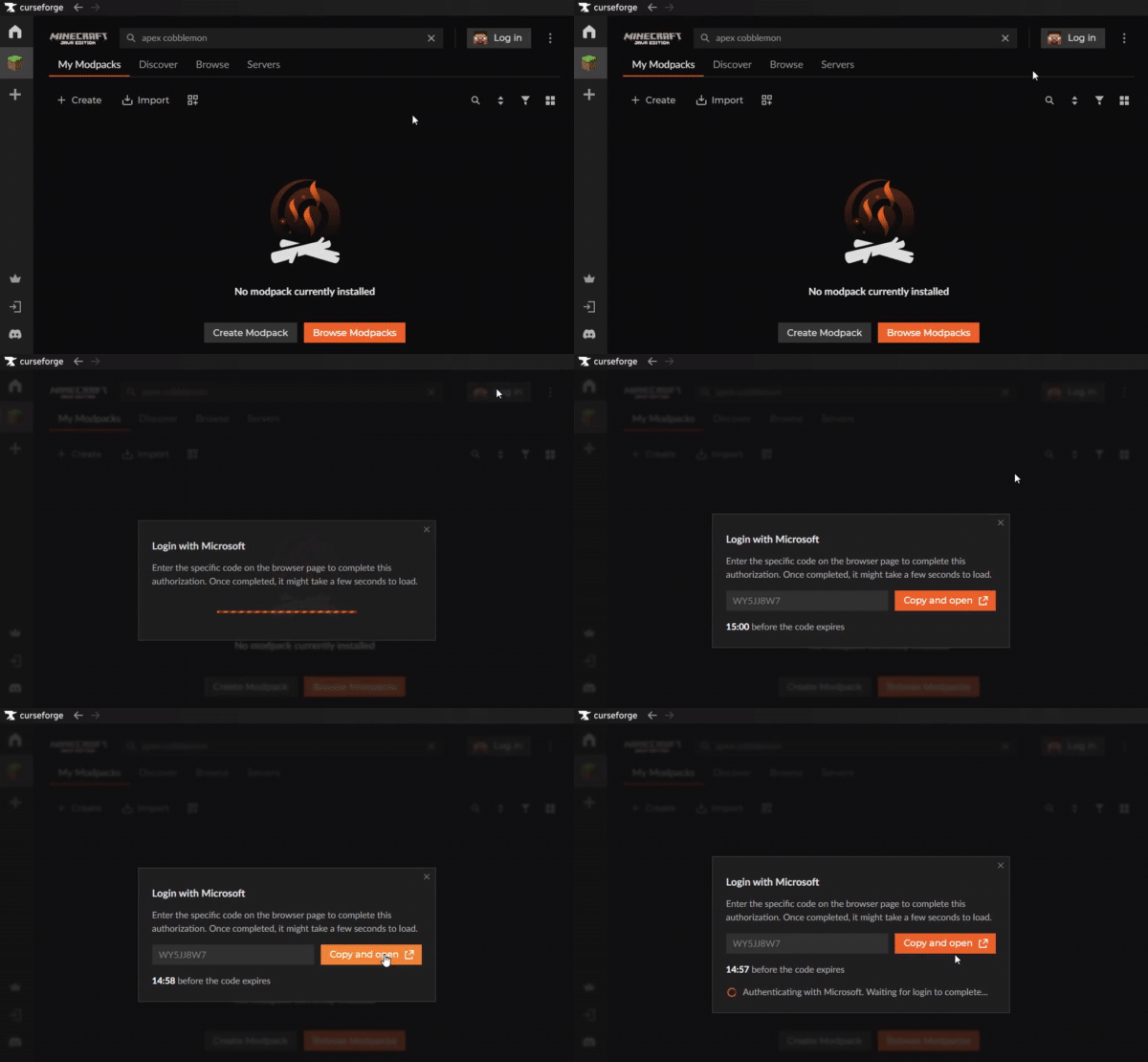
Sign in using your Microsoft account to link your Minecraft Java Edition license. This is required to launch the game.
4
Launch the Modpack
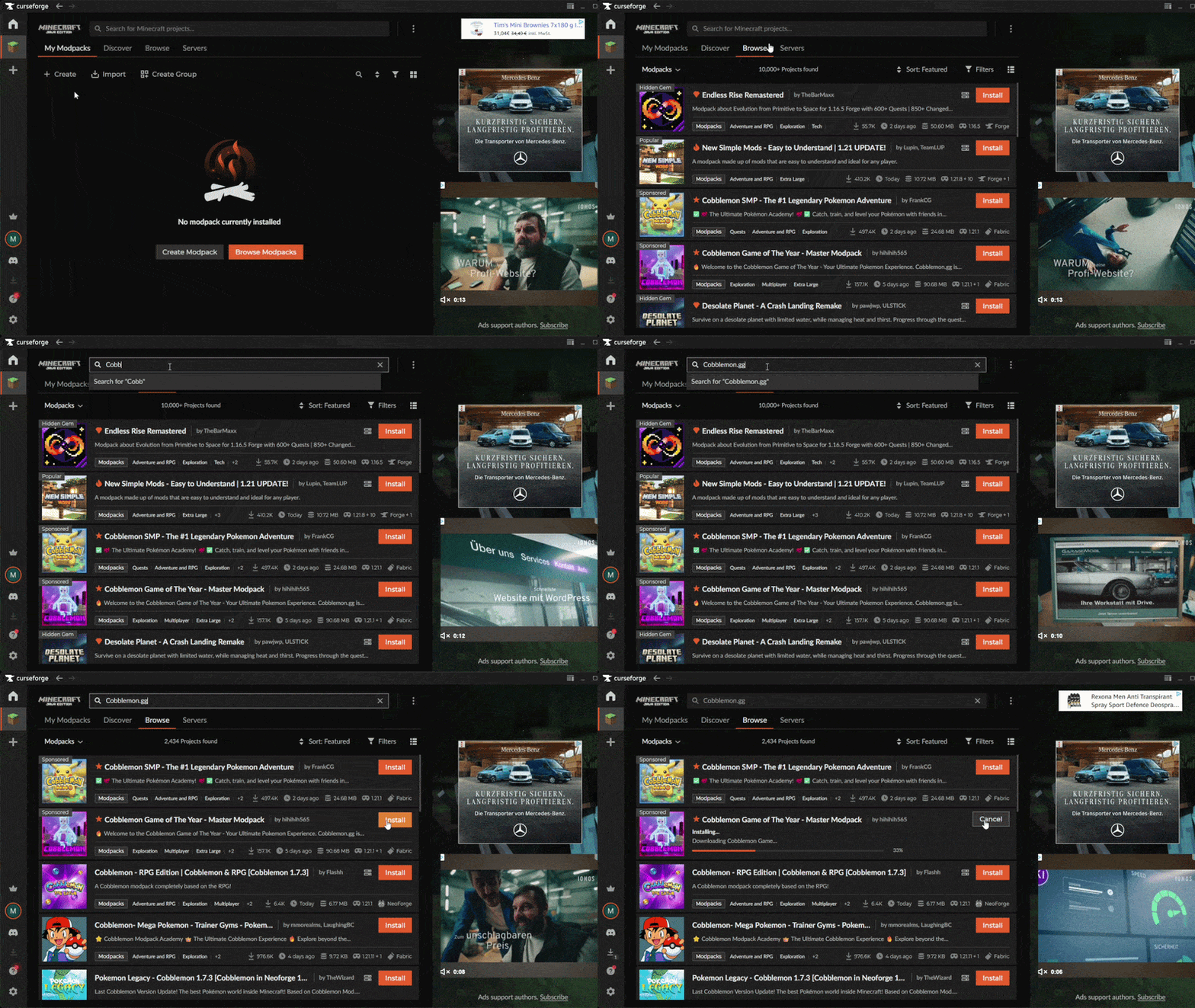
Instead of manually adding mods, you can install our entire optimized setup with one click and then click play. Search for cobblemon.gg and click the one by hihihih565.
5
Joining
Now that the pack is installed, you are ready to play! Once the modpack launches, click on the play button to join the server.
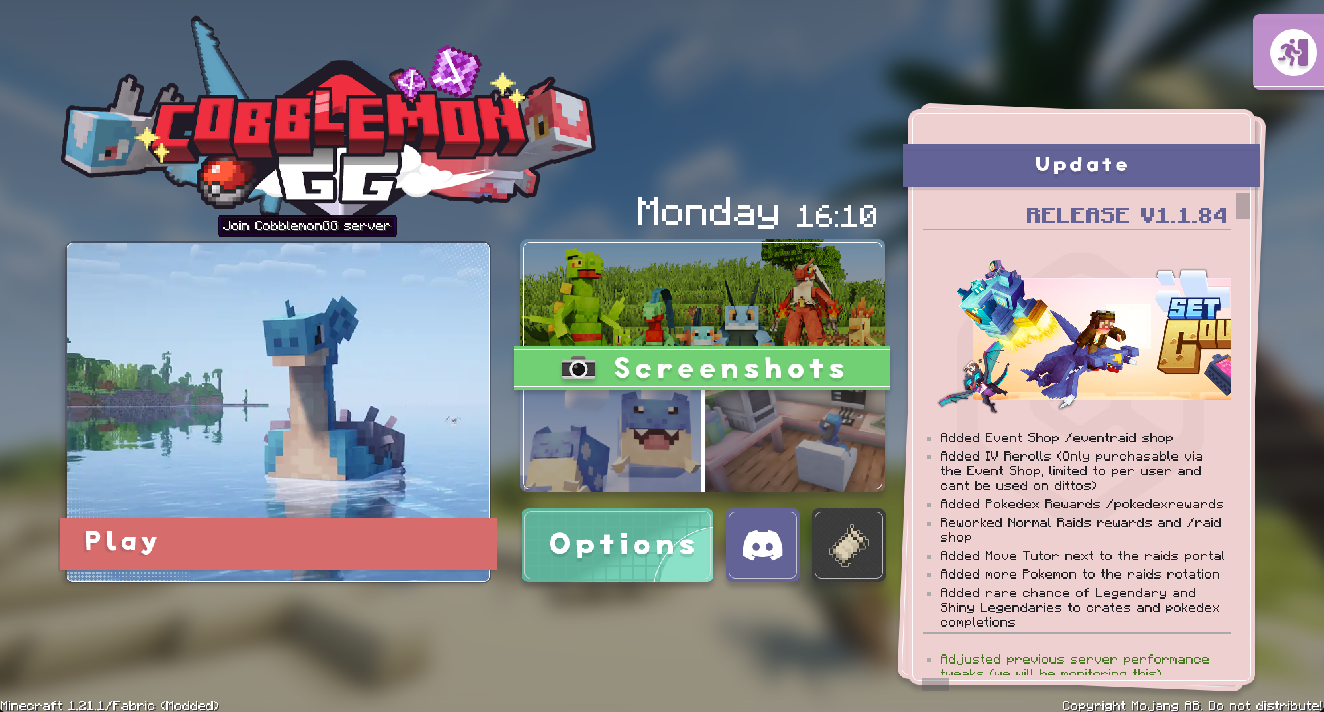
You're In!
Once connected, choose your starter Pokémon from any generation. You'll receive a starter kit with PokéBalls, tools, and armor. Ready to begin your trainer journey?